For laser makers ready to build standout brands with cohesive products.
Design Smarter. Build Faster.
Stand Out With Intention.
A beginner‑friendly Illustrator course and guided design system that helps you edit with confidence, build with intention, and turn your designs into cohesive product collections.
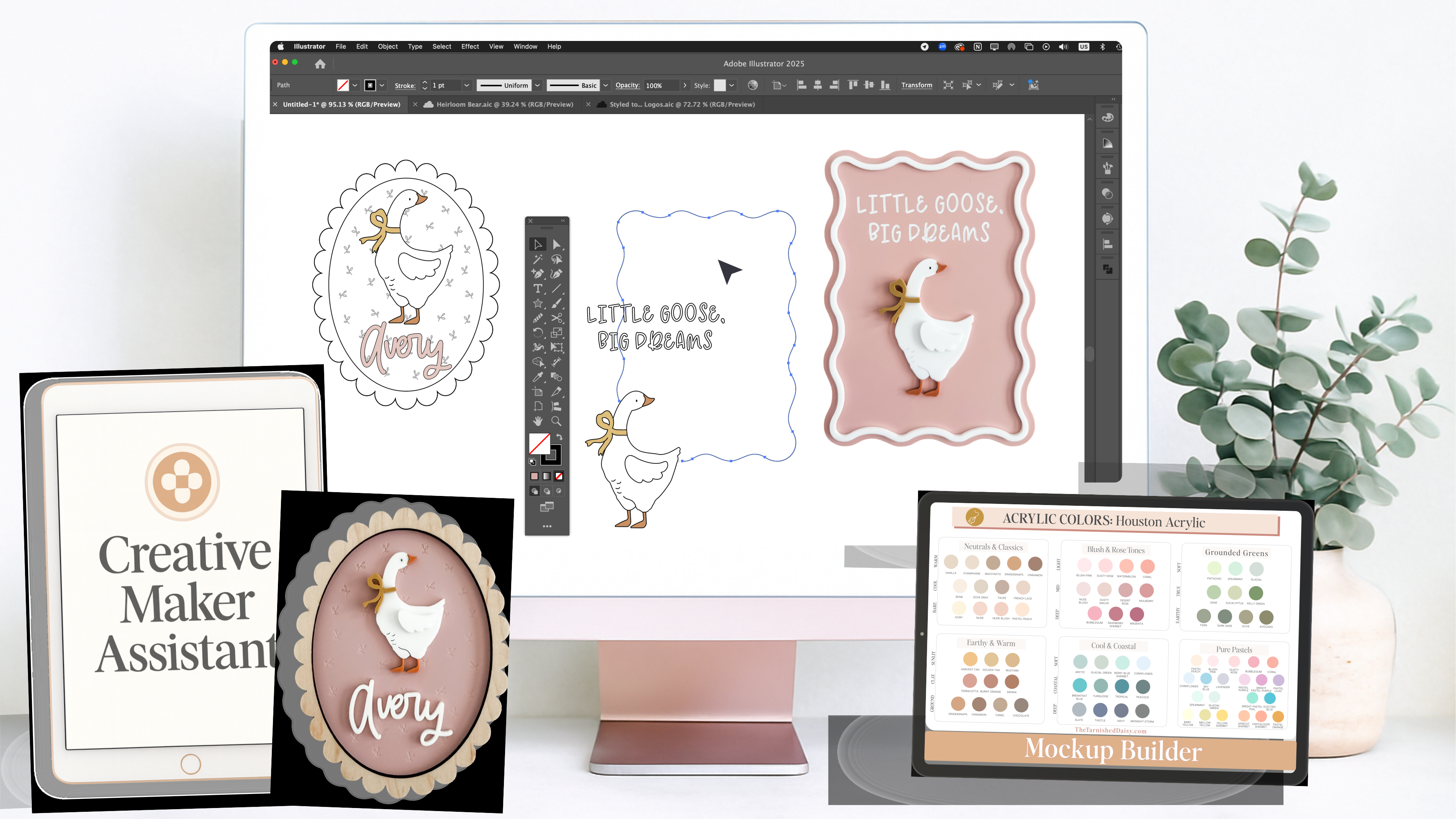
Beginner Illustrator Course
for Laser Makers
Styled to Stand Out by The Tarnished Daisy
Beginner Illustrator Course
for Laser Makers
Styled to Stand Out by The Tarnished Daisy
You’ll start by learning how to edit your files.
You’ll end by knowing how to build products with intention.
You already know how to make beautiful things.
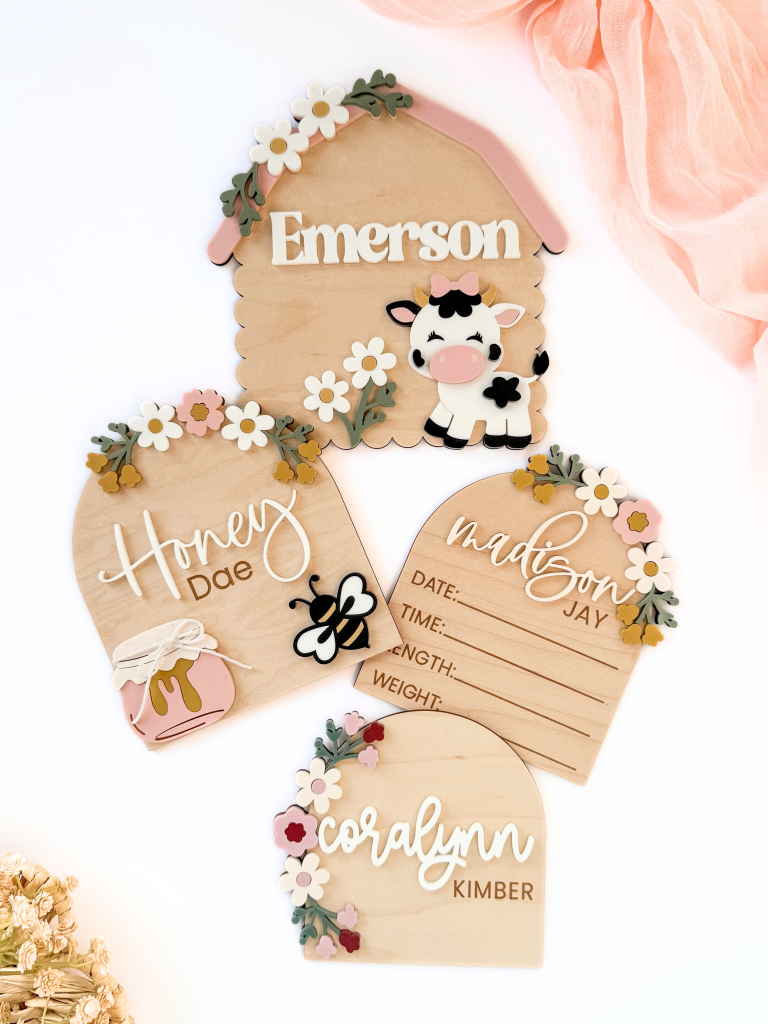
What most makers don’t have is a clear, repeatable way to take one strong design and expand it into a full, cohesive product line.
This system shows you how to:
Start with one finished design and expand it into coordinated products
Build collections that feel intentional, not accidental
Design with the end product in mind, not just the individual file
Illustrator is the engine.
Creative independence is the outcome.
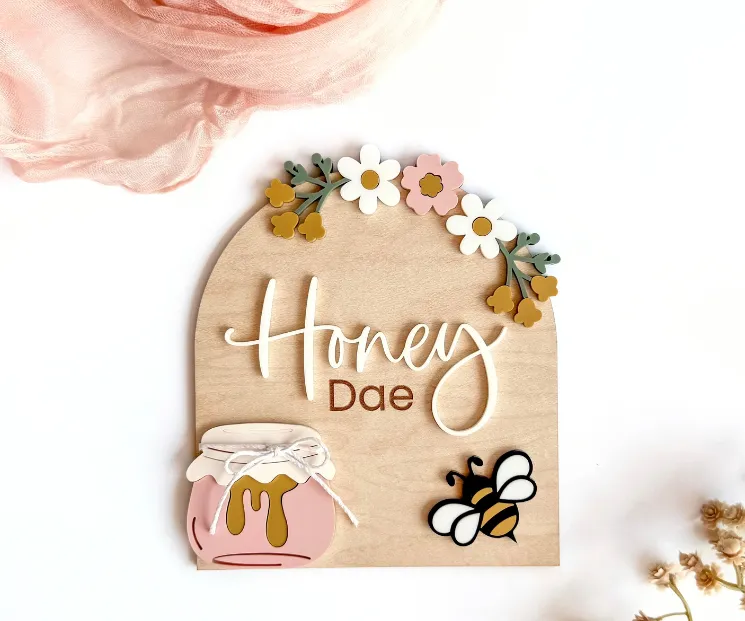
From One-Off Projects to Real Collections.
This is where your work starts to feel like a brand.
Instead of scattered releases, disconnected listings, or starting
from scratch every time... you’ll learn how to take one finished
design and build a family of products that grow together.
You’ll start creating collections with purpose...
the kind customers recognize, return to, and want more of.
This is how you stop guessing what to make next
and start building with clear direction.
You’re not only learning Illustrator. You’re learning
how to design in collections and move with intention.
What You’ll Learn Inside Styled to Stand Out
Learn the exact Illustrator skills you need to edit, expand, and elevate the SVG files you already own...
then use those skills inside a connected system for building real, sellable product lines.
Start Illustrator
the Right Way
You’ll learn Illustrator from step one with a clear, practical setup made for laser work. I walk you through your workspace, essential tools, and everyday workflow so you feel grounded, oriented, and confident from the first file you open.
Edit Your Files
With Ease
Learn how to separate objects, scale designs, adjust text, and reposition elements so you’re no longer locked into a single layout. These small, intentional edits give you real control over the files you already use and love.

Expand
Your Designs
Build new variations without starting from scratch. Combine elements, restyle layouts, create simple new shapes, and turn one finished file into multiple product-ready ideas that work together as a cohesive collection.
Explore Ideas
Before You Cut
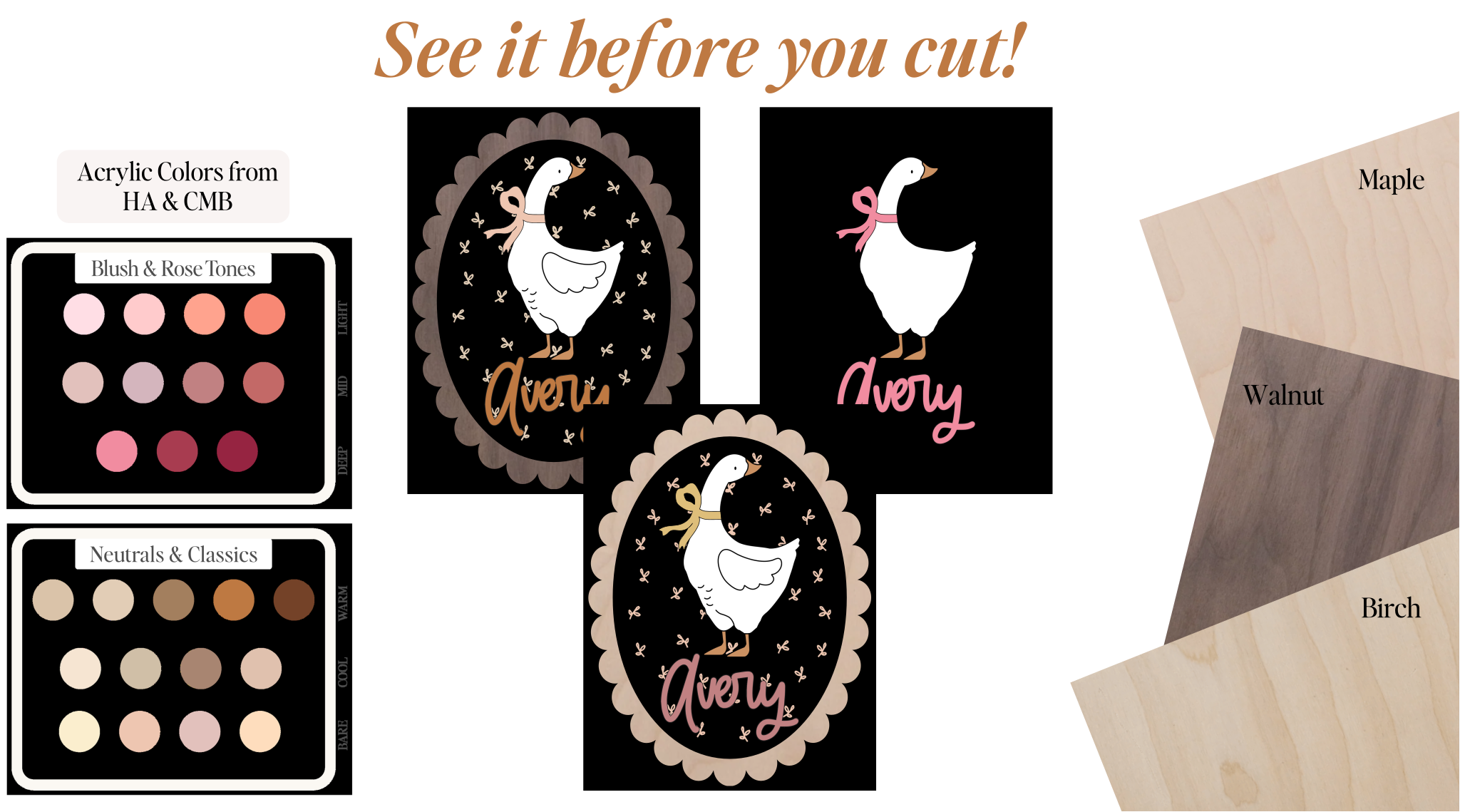
Use the Creative Maker Assistant and the Mockup Builder to brainstorm product directions, test color combinations, explore materials, and preview your ideas clearly before you ever turn on your laser.
10th
Experience
This course is for you if…
• You keep buying SVG files that almost work, but you want the confidence to tweak and customize them yourself instead of settling.
• You’re brand new to Illustrator and want someone to show you exactly where to start, step by step, without feeling lost or overwhelmed.
• You’ve watched countless tutorials, but everything feels disconnected and you still freeze when the blank artboard is in front of you.
• You want the freedom to personalize, modify, and expand the files you already own without guessing which tool to use.
• You get stuck choosing directions for collections, themes, and variations and wish you had a system to spark stronger ideas faster.
• You want your work to clearly reflect your style with intention, consistency, and a polished, elevated finish.
meet the designer
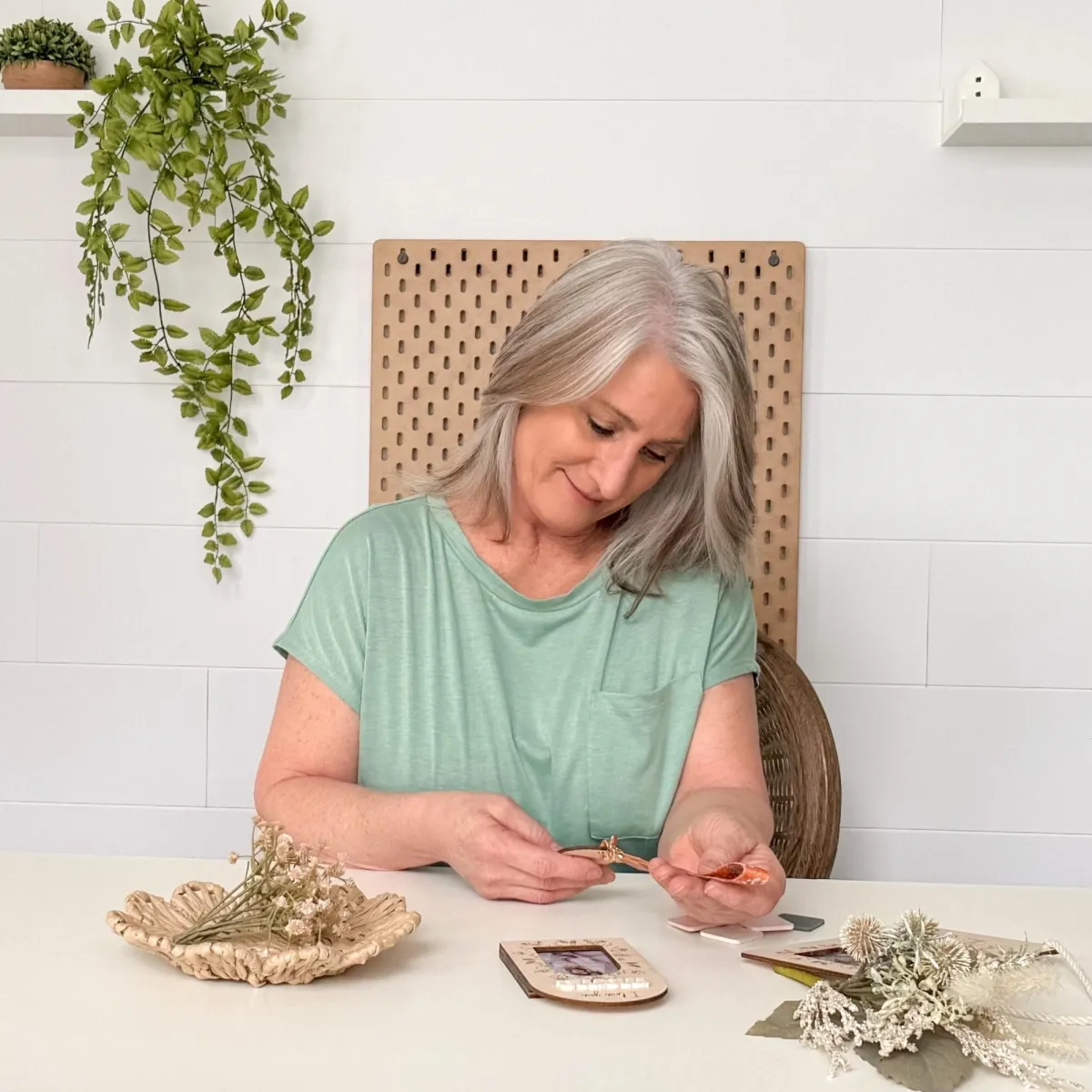
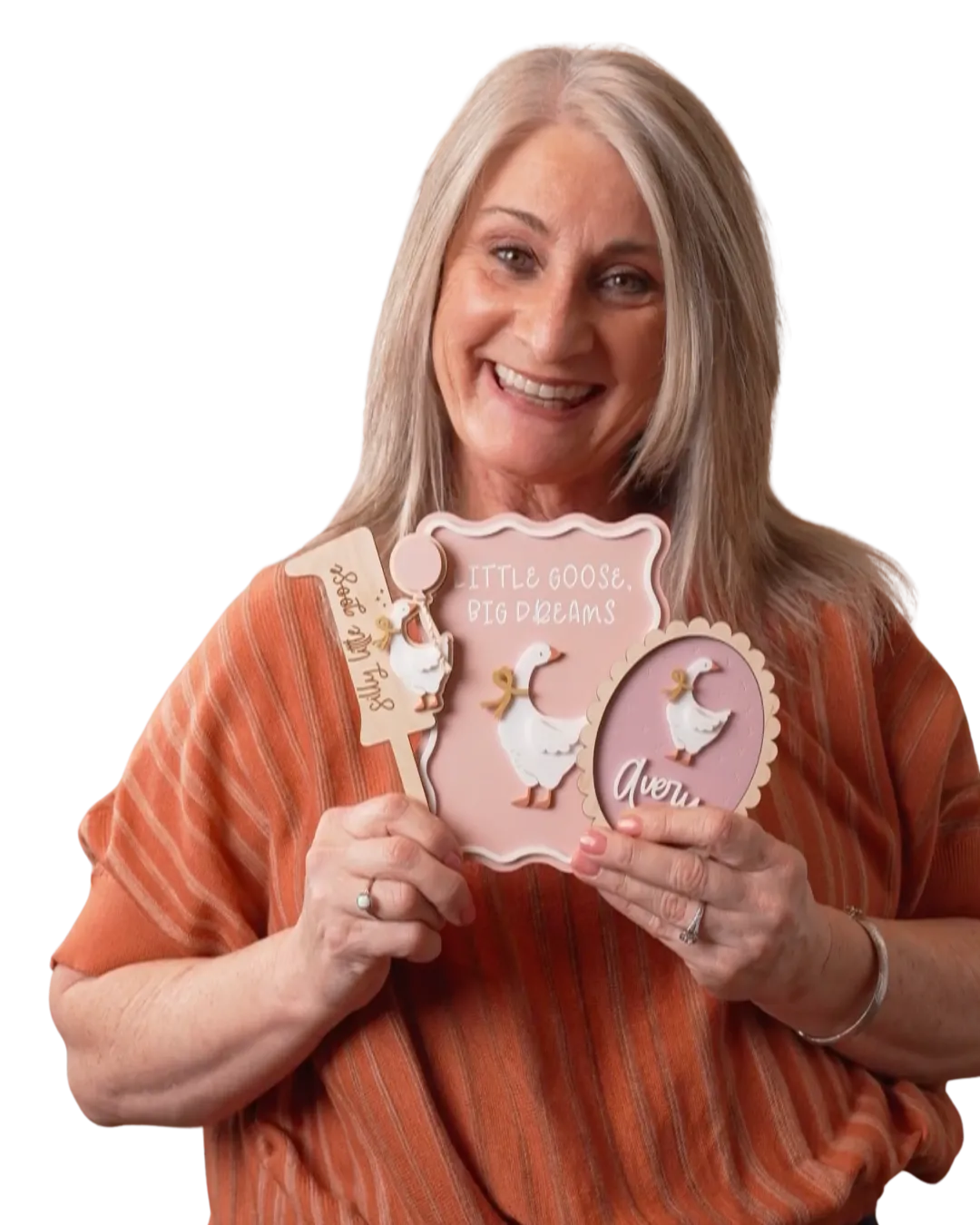
Hey, I’m Kim... maker first, designer second, and your guide through Illustrator.
I’m the founder of The Tarnished Daisy and a maker who learned Illustrator the same way you will... through real projects, real deadlines, and a whole lot of trial and error.
Over time, I built a system for how I design, expand, and refine products inside my own creative business. That system is the backbone of everything I teach inside Styled to Stand Out. It’s how I’ve created hundreds of laser-ready designs and sold tens of thousands of digital files.
This course gives you exactly what I wish someone had shown me at the beginning...
in a simple, maker-friendly way you can actually use.
Illustrator doesn’t have to feel huge or confusing. I’ll walk you through the exact tools, steps, and workflows you’ll use every day so you can confidently create polished, intentional designs that reflect your style.
meet the designer
Hey, I’m Kim - Maker & Designer
I’m the founder of The Tarnished Daisy and a laser maker who learned design the same way many makers do… by building real products, solving problems along the way, and figuring out what actually works.
Over time, I realized something important.
Successful makers aren’t just creating random designs.
They’re building collections, developing a recognizable style, and turning one idea into many products.
That’s the process I’ve spent years refining while building my own design business.
Today my designs are used by thousands of makers, and I’ve helped laser creators move from “What should I make next?” to confidently building cohesive product lines.
The Creative Maker Hub is where I share that process.
Inside, you’ll learn how to develop ideas, expand them into collections, and design products that feel intentional.
Because the goal isn’t just making more designs.
It’s building a creative system that helps your ideas grow.
Inside the Course
See exactly what you’ll learn, one step at a time.
Welcome to Styled to Stand Out — Feel steady, grounded, and ready to begin.
You’ll start the course calm and confident, not overwhelmed.
01. Brand New to Illustrator: Get comfortable inside Illustrator from the very first click.
Get comfortable inside Illustrator from the very first click.
You’ll open Illustrator and finally understand what you’re looking at. We slow everything down here so you can build confidence without pressure.
You’ll learn how to:
- Navigate the workspace without feeling lost
- Use the core selection tools with purpose
- Build with basic shapes instead of guessing
- Move objects, adjust scale, and stay in control
This module gives you the foundation everything else is built on. Once this clicks, the rest of the course feels doable instead of overwhelming.
02. Finding Inspiration & Developing Your Style: Begin defining your style with guided creative support.
Begin defining your creative direction using a connected design system.
No more staring at a blank screen and hoping ideas show up. You’ll learn how to pull inspiration intentionally, organize themes, and start recognizing what makes your aesthetic different.
Inside this module, you’re not just learning “style.” You’re learning how to move ideas through a real workflow:
- You’ll learn how to visually sort inspiration so it actually leads to usable designs
- You’ll use the Creative Maker Assistant to explore product directions, variations, and collections
- You’ll preview ideas with the Mockup Builder before you ever cut a thing
- And you’ll begin connecting inspiration directly to finished, sellable products
This is where your creative direction stops being guesswork and starts becoming a repeatable system you can use again and again.
03. Creating Backers & Basic Shapes: Build the simple foundations for almost every laser-ready design.
Build the simple foundations for almost every laser-ready design.
Almost every strong design starts with a clean backer and a solid base shape. This is where your files begin to look intentional instead of improvised.
You’ll learn how to:
- Create strong, production-ready base shapes
- Build backers that support layered designs without overcomplicating them
- Use structure to guide clean spacing and layout
- Set up files so everything that comes after looks polished and cohesive
This module teaches you how to build the quiet structure underneath beautiful designs... the part that makes everything else work better.
04. Combining & Subtracting Shapes with Pathfinder: Confidently adjust, customize, and reshape any element.
Confidently adjust, customize, and reshape any element.
This is the module that unlocks real flexibility inside Illustrator for most makers. You’ll learn how to merge, cut, subtract, and rebuild shapes so you’re no longer stuck working around a design... you’re actively reshaping it.
By the end of this module, you’ll be able to confidently modify files you already own, refine details for production, and create clean new variations.
05. Working With Text: Add names, phrases, and clean outlines that elevate any project.
Add names, phrases, and clean outlines that elevate any project.
You’ll learn how to properly thicken fonts for clean cuts, connect script letters without breakage, curve text with control, and fit names beautifully inside your shapes without distortion.
By the end of this module, you’ll be able to handle personalization with confidence... creating polished name work, balanced layouts, and production-ready lettering that looks intentional.
06. Designing With Offsets: Create polished layers, outlines, and dimensional details with ease.
Create polished layers, outlines, and dimensional details with ease.
This is another tool you’ll use constantly as a laser maker. You’ll learn how to create clean offsets for outlines, stacked layers, and decorative accents that instantly elevate simple designs.
You’ll also learn how to control spacing and build layered files that assemble cleanly and cut beautifully... turning flat artwork into boutique-quality, dimensional products.
07. Preparing Your Design for Resizing & Laser Export: Finalize every design - clean, organized, and laser-ready.
Finalize every design clean, organized, and laser-ready.
No more “I hope this cuts right.” You’ll learn how to properly check your file structure, clean up stray points, confirm sizing, and prep your design for reliable cutting.
You’ll export with confidence, knowing your files are clean, efficient, and set up exactly the way your laser expects, so your cuts are predictable, repeatable, and production-ready.
What You Get Inside Styled to Stand Out
Everything you need to design with clarity, confidence, and creative momentum.

Beginner Illustrator Foundations
Short, focused lessons that take you from opening Illustrator for the first time to exporting polished, laser-ready designs... step by step, without overload.

Hands-On Projects You Can Use Right Away
You won’t just watch. Every skill is applied to real maker projects so you immediately see how the tools work together.

Creative Maker
Assistant
Your built-in design partner for brainstorming themes, collections, color stories, and product directions... all built around your finished designs.

Mockup
Builder
Preview acrylic colors and wood types before you cut. Make confident material decisions without wasting time or supplies.

Downloadable
Practice Files
Laser-ready SVGs, shapes, and guided mini-projects so your learning turns into real, usable products from day one.

Lifetime Access
& Updates
Come back anytime to refresh your skills and revisit the training as your design abilities grow.

meet your
Creative Maker Assistant
Your built-in design partner created specifically for laser makers.
Learning Illustrator gives you skills.
Your Creative Maker Assistant gives you momentum.
This custom-built tool works hand-in-hand with everything you learn inside Styled to Stand Out, so you always have steady support as you practice.
It builds on the finished designs you create... helping you explore new directions, seasonal twists, color stories, and product concepts, all shaped from your own work.
This isn’t a generic AI.
It’s a tool shaped around the way you design.
With your Creative Maker Assistant, you can:
get clear direction when you feel stuck
brainstorm product ideas from finished pieces
explore seasonal variations, color palettes, and layout options
visualize concepts through clean, modern flat-lay mockups
expand a single design into a cohesive mini-collection
practice what you're learning with guidance right beside you
You’re getting the kind of focused creative support that’s often sold as
a standalone tool, included here as a core part of your design system.
A Quick Note
The Creative Maker Assistant runs inside ChatGPT.
To unlock everything it can do, especially image uploads and mockup generation, you’ll need an active ChatGPT Plus subscription.
If you're already using ChatGPT Plus, you’re ready to go immediately.
If you're not, the course still stands fully on its own. The CMA is simply a powerful bonus that can grow with you when you’re ready for it.
Requirements
To use the Creative Maker Assistant fully, you will need:
• A ChatGPT account
• A paid ChatGPT plan (Plus or higher) for:
– uploading photos of your finished products
– mockup generation
– color and layout visualization
– advanced CMA features
You do not need any additional software or downloads.
Creative Maker Assistant FAQs
Does this cost anything extra?
Nope... your Creative Maker Assistant is included as part of your enrollment in Styled to Stand Out. The only optional cost is ChatGPT Plus if you want the enhanced features.
Do I need ChatGPT Plus to use this?
To get the full experience — especially mockups, images, and advanced guidance — yes.
If you already have ChatGPT Plus, you’re all set.
If not, the course still stands fully on its own. The CMA is simply a powerful bonus that can grow with you when you’re ready for it.
Will this replace the need to learn Illustrator?
No, and it shouldn’t.
Illustrator gives you skills.
Your CMA simply supports you while you practice, brainstorm, and expand your ideas faster.
What if I’m completely new to Illustrator?
That’s exactly who it’s designed for. Your CMA understands beginner-friendly workflows and will guide you through expanding your designs without assuming you already know advanced tools.
Is this an AI art generator?
Not at all. The Assistant doesn’t create artwork or pull from other artists. It simply helps you develop ideas, explore variations, and make confident decisions with the finished products you already create. Your creativity stays at the center. The Assistant just helps you move faster.
Will the Creative Maker Assistant stay updated as AI changes?
Yes. I use the Creative Maker Assistant in my own daily design workflow, so it will continue to evolve right alongside my own process. As I refine techniques, streamline workflows, and expand what the Assistant can do, those improvements are automatically updated for you — no reinstalling, no downloads, nothing extra on your end.
The Mockup Builder
Preview your designs with real acrylic colors and wood types so every cut feels intentional and aligned with your final vision.
Styled to Stand Out:
Your Complete Beginner Designer Starter Pack
Everything you need to go from opening Illustrator for the first time to
creating clean, laser-ready designs with confidence and direction.
This isn’t just a course... it’s a connected system that teaches you the skills, gives you the tools to practice them, and supports you as you turn finished designs into real product ideas.
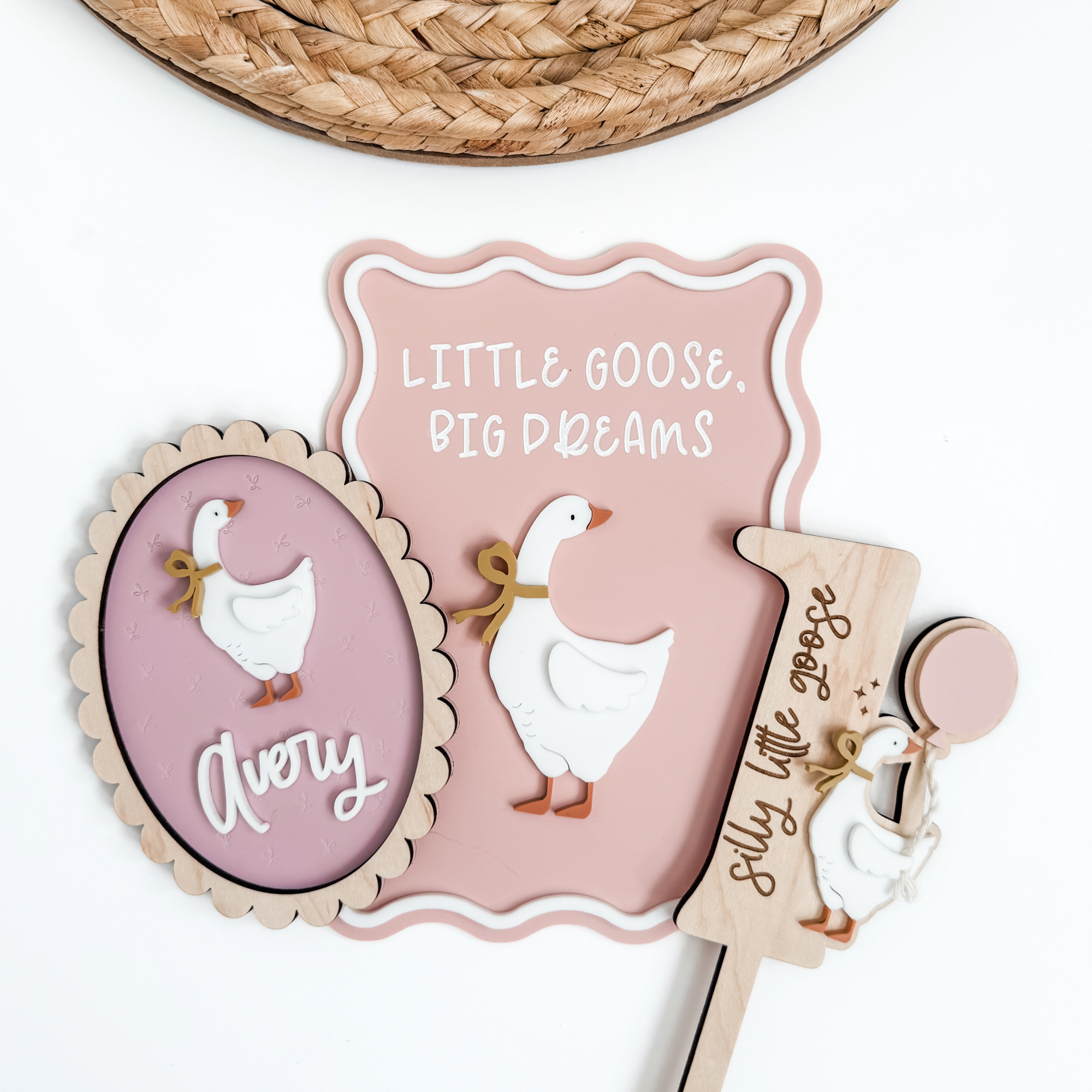
Here's what you get:
Step-by-step Illustrator training built specifically for laser makers
Guided projects that turn skills into finished, usable designs
Downloadable practice files you can start selling right away
Ongoing access
Bonus #1: Creative Maker Assistant
Bonus #2: Mockup Builder
Get the full beginner designer starter pack!
Today Just $67

"She’s got the magic touch!"
"She explains everything step by step and in a language my brain actually understands (which deserves its own medal ). I’m finally not staring at my screen wondering what all those buttons do!"
Buy with Confidence
Your Maker-Friendly Promise
I want you to feel confident when you join Styled to Stand Out.
If you jump into the lessons and notice quickly that it’s not the right
fit, reach out within 7 days and we’ll talk it through.
No pressure. No hard lines. Just a real conversation.
I don’t operate from rigid rules. I operate from fairness.
STILL NOT SURE?
Frequently Asked Questions
Do I need any Illustrator experience?
Nope. None at all. This course was built for total beginners — the moment you open Illustrator for the very first time, I walk you through exactly where to click, what to use, and what to ignore so you don’t get overwhelmed.
What do I need to take this course?
Just a computer (Mac or PC) and the desktop version of Adobe Illustrator. You don’t need the iPad version or anything fancy.
How long will the course take me?
It’s completely self-paced. Most makers move through the core lessons within a week or two, but you’re welcome to take it slower. Every lesson is short, direct, and designed to help you make real progress without information overload.
Will I learn to create designs from scratch?
You’ll learn the foundations you need to confidently build your own laser-ready designs — shapes, offsets, text, backers, arrangements, and the exact tools you’ll use daily. Styled to Stand Out is the starting point that lets you move from “I have no idea what I’m doing” to “I can actually build this myself.”
Do I get the bonuses right away?
Yes. Both the Creative Maker Assistant and the Mockup Builder are available to you immediately after enrolling.
How long do I have access?
Lifetime access. Once you join, you can revisit lessons anytime. Once you’re in, you’re in.
What if I get stuck or have a question?
You are never on your own inside this course. You’ll have access to a private Facebook community where you can ask questions anytime, get clarity, and share what you’re working on. I personally answer every question, and when time allows, I even record quick screen-share tutorials to walk you through whatever you’re stuck on.
You're supported every step of the way.
Plus, you have the Creative Maker Assistant (aka your brainstorming partner) and clear, step-by-step lessons to help you get unstuck quickly.