Creative Direction
for Laser Makers.
Consistent creative
momentum Every month.
Start with a core idea.
Build cohesive collections.
Registration is currently closed.
Sign up here to be notified the next time it's open.
Here’s What Each Month Looks Like Inside The Design Lab :
WEEK 1
The Prompt
SPARK THE IDEA
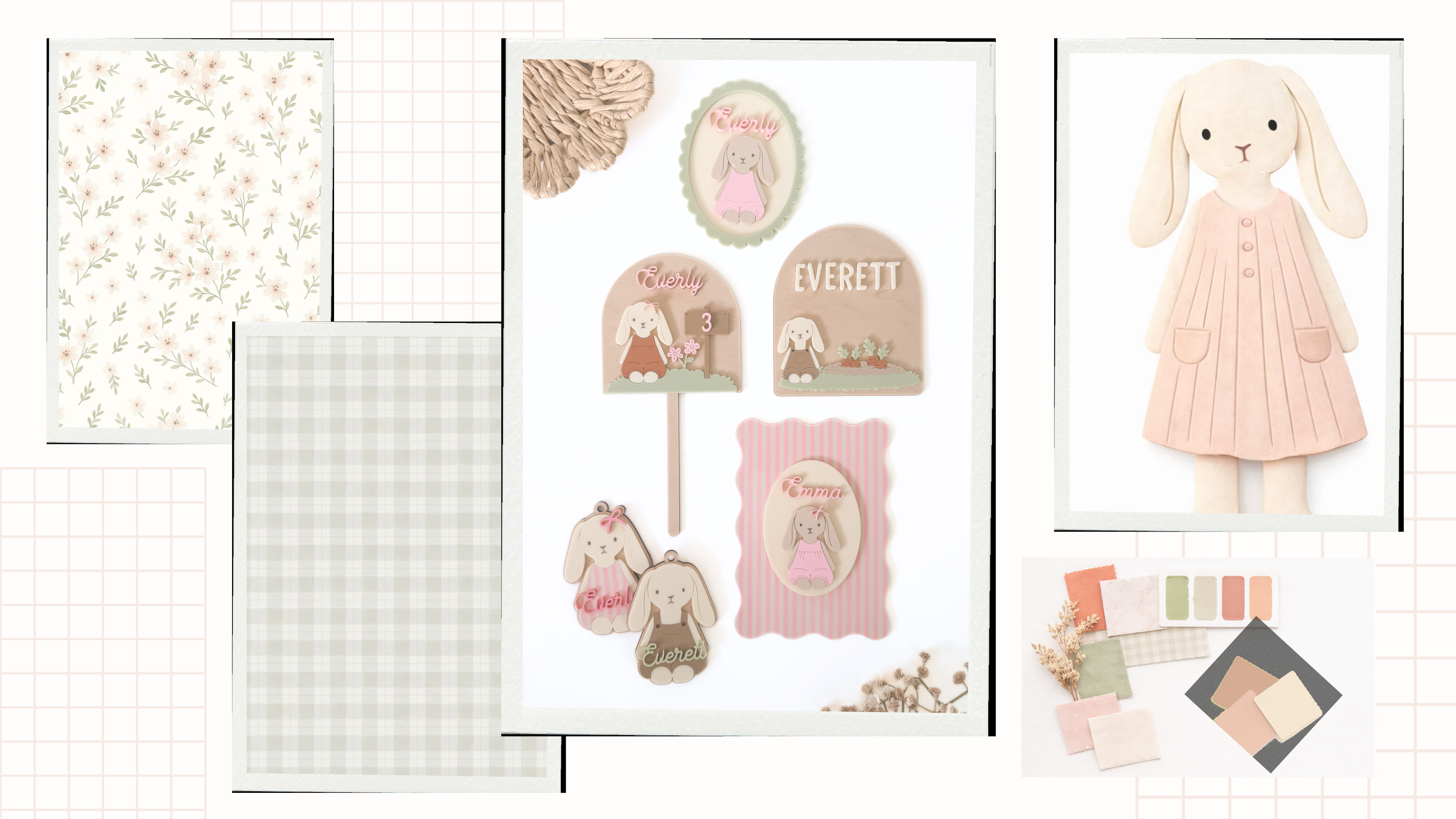
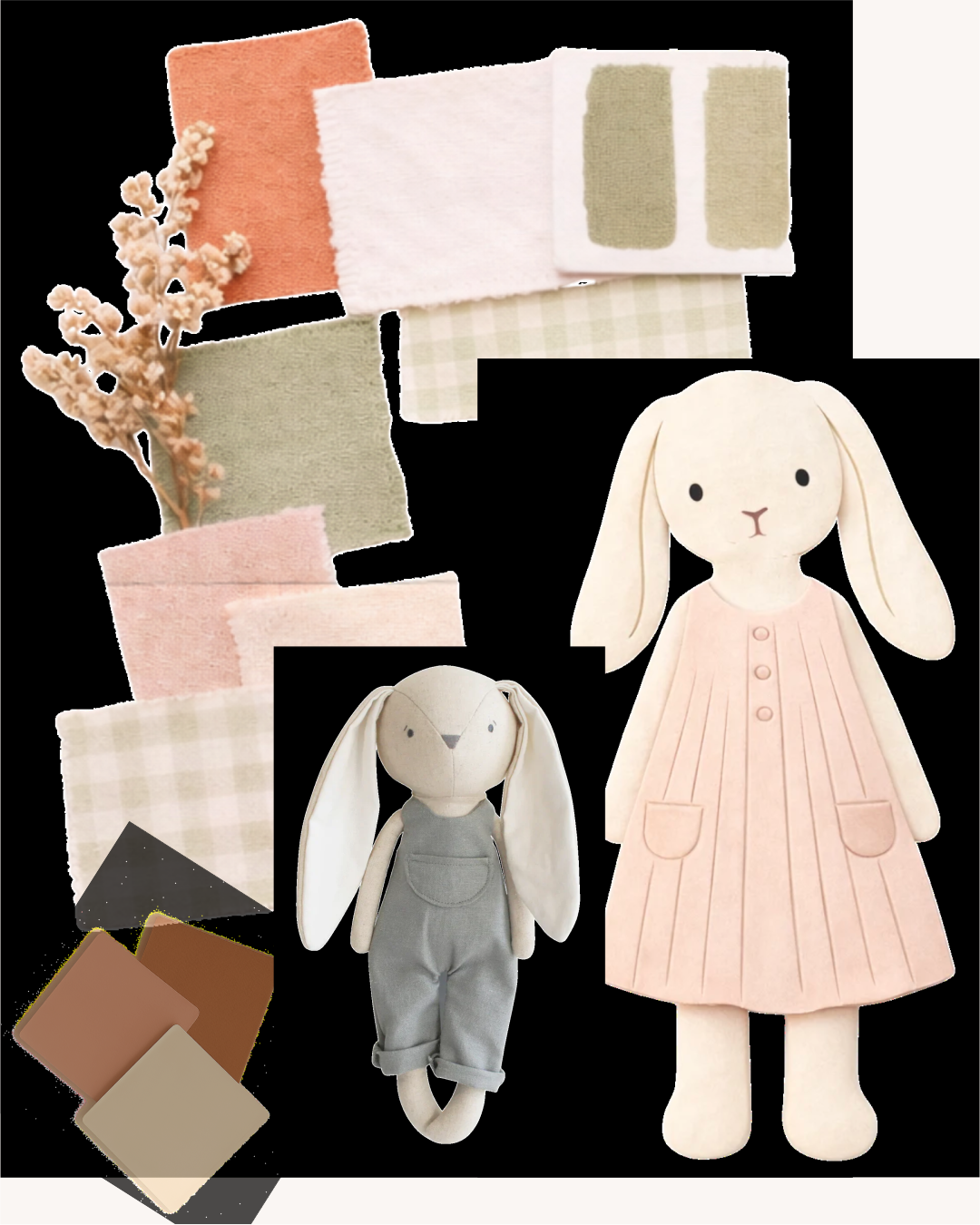
Each month inside the Design Lab begins with a new prompt... a simple core idea designed to spark fresh product directions.
I’ll share a curated mood board, color palette, and design inspiration to help you start thinking about how that idea could grow into a cohesive product collection.
This is where we begin gathering inspiration and exploring the possibilities for the designs you’ll create.
You can also use this week as breathing room...
finishing photography or listings from the previous month's designs while you begin gathering ideas for the new theme.
No pressure to rush. Just space to think, explore, and start seeing new directions.
WEEK 2
The Product Path
Map THE Collection
This is where your idea starts turning into a plan.
I’ll walk you through how to take the core idea from the prompt and expand it into a cohesive set of products that work together as a collection.
You’ll choose the direction that fits your shop best and begin mapping out the products you want to create.
Many makers try to design the finished product all at once. We start with one core idea and expand from there, making the process clearer and far less overwhelming.
Instead of guessing what to make next, you’ll start designing with intention.
WEEK 3
The Process
BUILD THE DESIGNS
Now we move into the design phase.
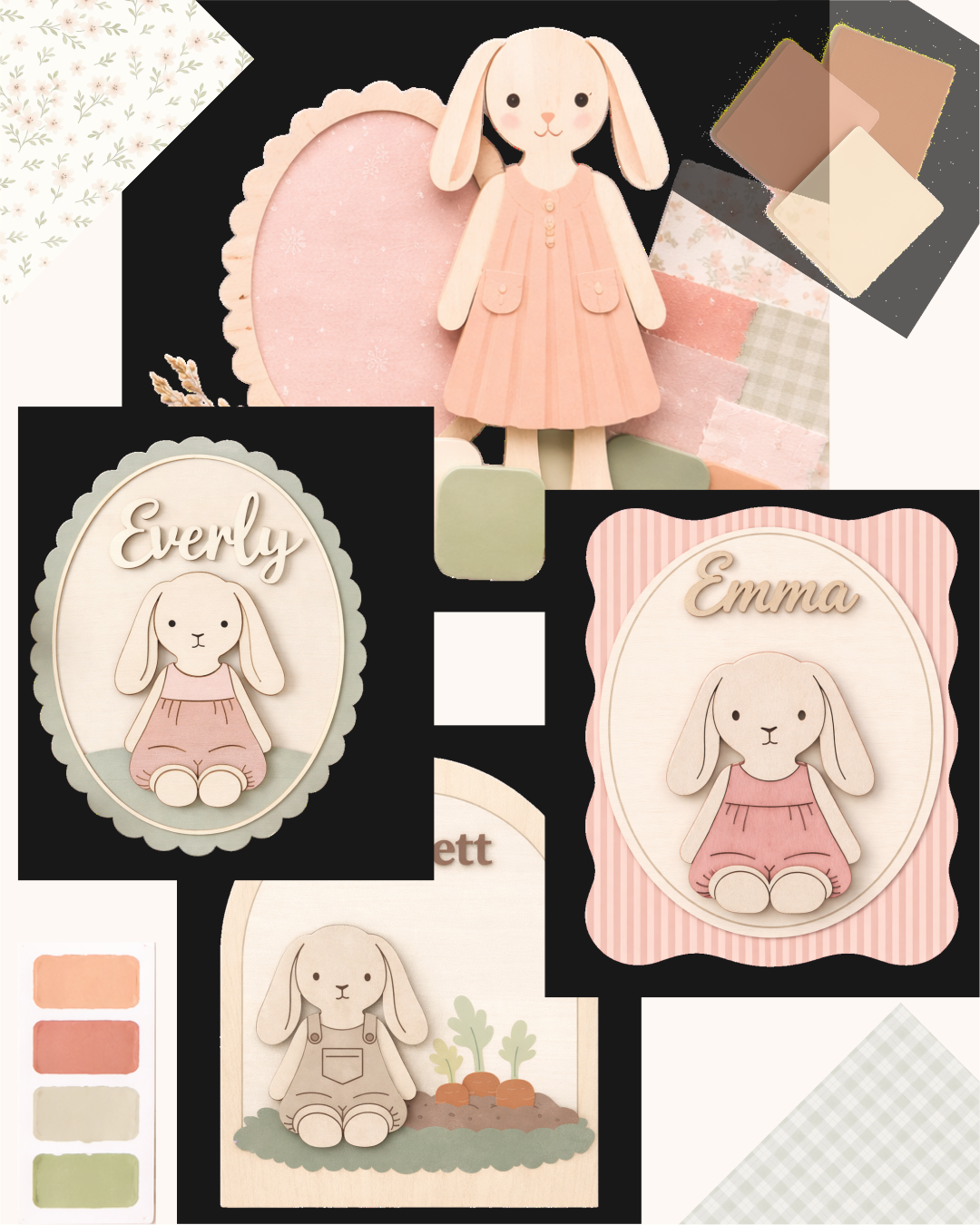
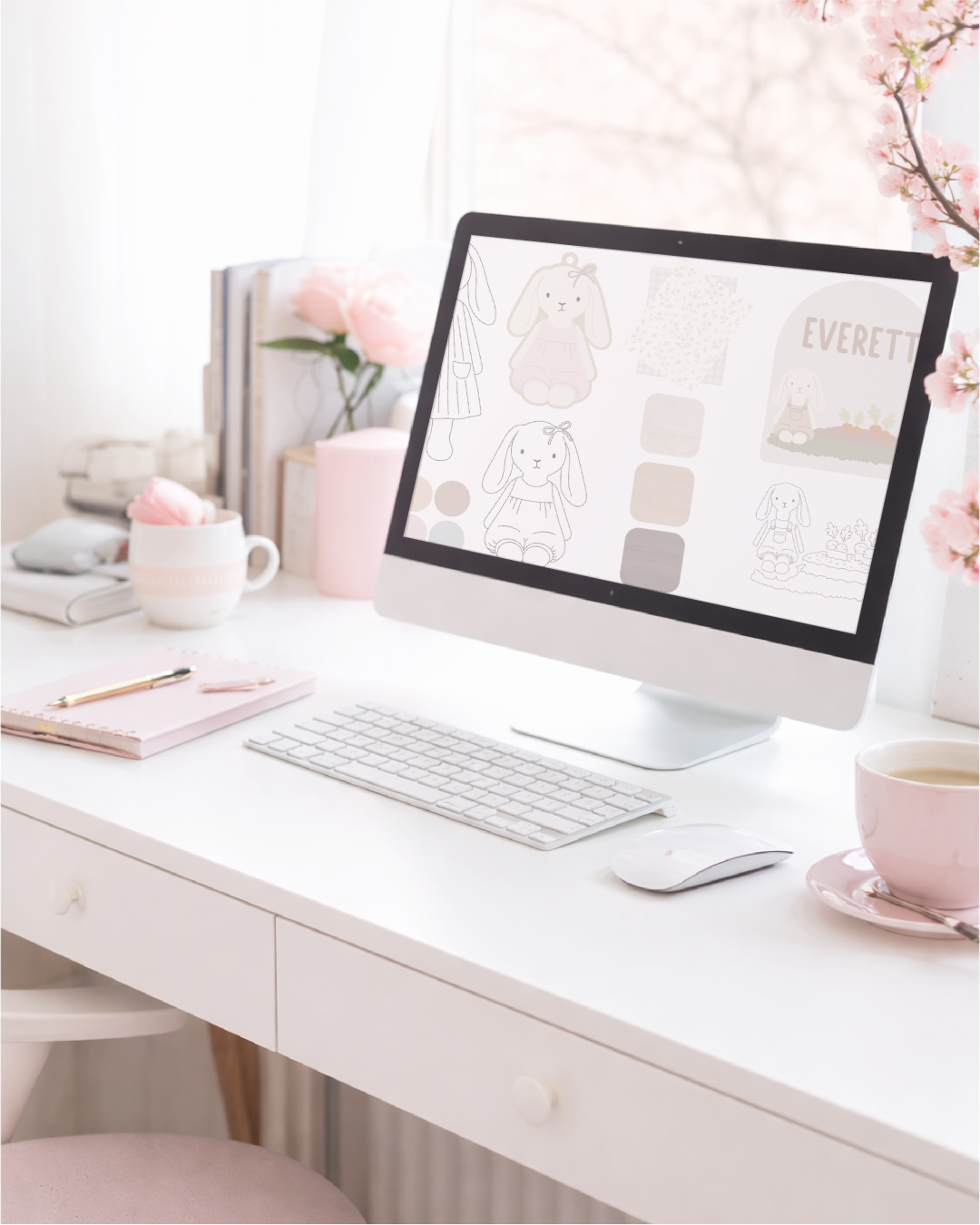
Using the design assets from the monthly collection, you'll see how a single set of elements can expand into multiple products.
I walk through how I approach layout, layering, scaling, and combining elements so they work beautifully as finished products.
You'll also see how to think about things like production time, design complexity, and how different pieces can work together across a collection.
Step by step, we will turn your ideas into laser-ready designs. This is where your designs start becoming real products.
WEEK 4
Polish & Present
LAUNCH THE PRODUCTS
In the final stage, we bring everything together.
You’ll move from the design screen into the shop... testing your designs on the laser, making adjustments, assembling your products, and preparing them for the real world.
This is where you cut, assemble, photograph, and get your products ready for your shop, website, or next market.
By the end of the month, you won’t just have ideas... you’ll have real finished products and a cohesive collection that adds depth and consistency to your product line.
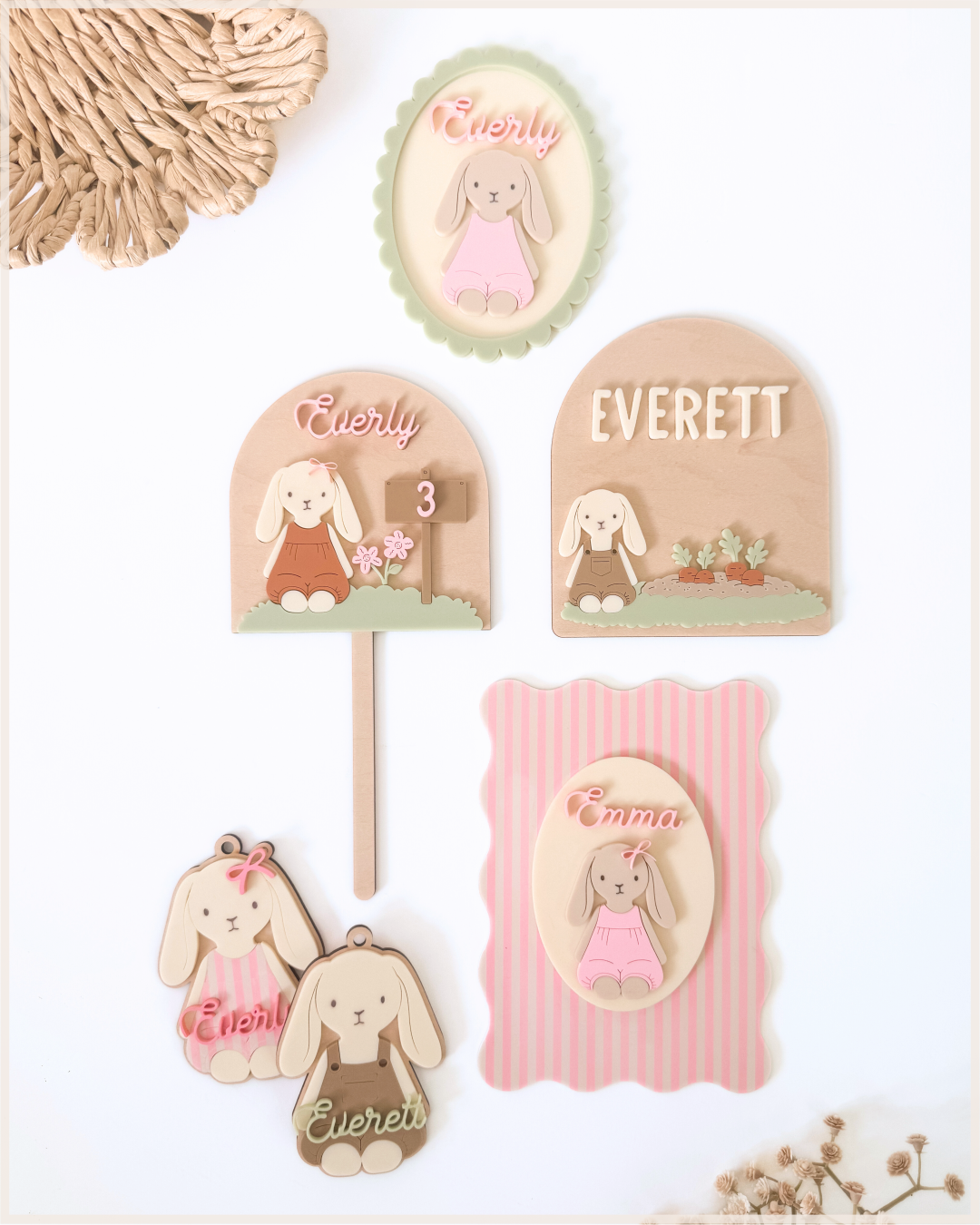
By the end of each month, you'll have new finished products and a growing collection that strengthens your product line.
meet the designer
Hey, I’m Kim - Maker & Designer
I’m the founder of The Tarnished Daisy and a laser maker who learned design the same way many makers do… by building real products, solving problems along the way, and figuring out what actually works.
Over time, I realized something important.
Successful makers aren’t just creating random designs.
They’re building collections, developing a recognizable style, and turning one idea into many products.
That’s the process I’ve spent years refining while building my own design business.
Today my designs are used by thousands of makers, and I’ve helped laser creators move from “What should I make next?” to confidently building cohesive product lines.
The Creative Maker Hub is where I share that process.
Inside, you’ll learn how to develop ideas, expand them into collections, and design products that feel intentional.
Because the goal isn’t just making more designs.
It’s building a creative system that helps your ideas grow.
What You’ll Find Inside The Creative Maker Hub
The Hub combines guidance, tools, and community to help you turn ideas into cohesive collections.
Here’s what members get access to:

The
Design Lab
Each month inside the Hub, we work through the Design Lab process together.
This includes:
Choosing a direction
Mapping product ideas
Designing your pieces
Refining your collection
By the end, you’ll have more than just a design — you’ll have a collection you can actually sell.

Creative Maker Assistant
Your custom tool and built-in design partner created specifically for laser makers.
You can use it to:
brainstorm product ideas
explore variations of a design
build out seasonal collections
generate product directions
It’s like having a creative brainstorming partner whenever you need one.

Mock-Up
Builder
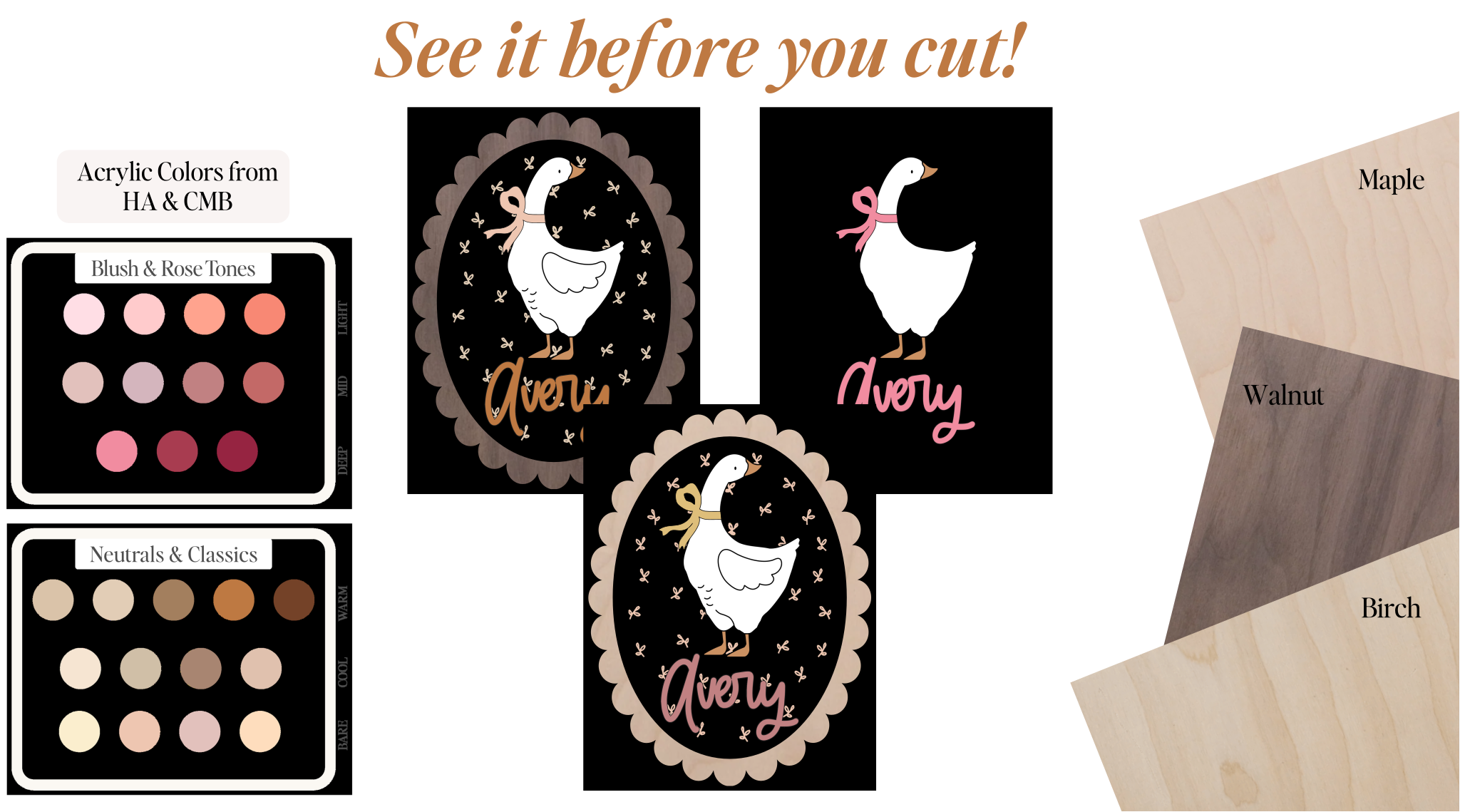
Preview your designs with real acrylic colors & wood types to test combinations before you cut.
You can test things like:
acrylic color palettes
wood species options
layered color combinations
wood and acrylic pairings
This makes it easier to design products that feel polished and aligned with your final vision.

Creative Maker
Community
Creating alongside other makers is one of the most valuable parts of the Hub.
In the hub, members share:
works in progress
design ideas
feedback and encouragement
finished collections
It’s a place to connect with other laser makers who are working toward the same goal.

meet your
Creative Maker Assistant
Your built-in design partner created specifically for laser makers.
Design skills help you create.
Your Creative Maker Assistant helps your ideas grow.
It builds on the designs you create inside the Design Lab… helping you expand them into new products, variations, and cohesive collections.
This isn’t a generic AI.
It’s a tool designed around the way laser makers actually create.
With your Creative Maker Assistant, you can:
get clear direction when you feel stuck
brainstorm product ideas from finished pieces
explore seasonal variations, color palettes, and layout options
visualize concepts through clean, modern flat-lay mockups
expand a single design into a cohesive mini-collection
develop new product directions from your monthly Design Lab theme
You’re getting the kind of focused creative support that’s often sold as a standalone tool...
included here as a core part of your Creative Maker Hub experience.
A Quick Note
The Creative Maker Assistant runs inside ChatGPT.
To unlock everything it can do, especially image uploads and mockup generation, you’ll need an active ChatGPT Plus subscription.
If you're already using ChatGPT Plus, you’re ready to go immediately.
If you're not, the course still stands fully on its own. The CMA is simply a powerful bonus that can grow with you when you’re ready for it.
Requirements
To use the Creative Maker Assistant fully, you will need:
• A ChatGPT account
• A paid ChatGPT plan (Plus or higher) for:
– uploading photos of your finished products
– mockup generation
– color and layout visualization
– advanced CMA features
You do not need any additional software or downloads.
Creative Maker Assistant FAQs
Does this cost anything extra?
Nope... your Creative Maker Assistant is included as part of your enrollment in Styled to Stand Out. The only optional cost is ChatGPT Plus if you want the enhanced features.
Do I need ChatGPT Plus to use this?
To get the full experience — especially mockups, images, and advanced guidance — yes.
If you already have ChatGPT Plus, you’re all set.
If not, the course still stands fully on its own. The CMA is simply a powerful bonus that can grow with you when you’re ready for it.
Is this an AI art generator?
Not at all. The Assistant doesn’t create artwork or pull from other artists. It simply helps you develop ideas, explore variations, and make confident decisions with the finished products you already create. Your creativity stays at the center. The Assistant just helps you move faster.
Will the Creative Maker Assistant stay updated as AI changes?
Yes. I use the Creative Maker Assistant in my own daily design workflow, so it will continue to evolve right alongside my own process. As I refine techniques, streamline workflows, and expand what the Assistant can do, those improvements are automatically updated for you — no reinstalling, no downloads, nothing extra on your end.
10th
Experience
The Mock-Up Builder
Preview your designs with real acrylic colors and wood types so every cut
feels intentional and aligned with your final vision.
Join Creative Maker Hub Today
Let's Get Your Creative Rhythm Flowing
Creative Maker Hub gives you a clear monthly design rhythm with a finish line
at the end of every month. For $24/month, you get all of this:
Everything Included Each Month
The Design Lab - Week 1: The Prompt → A fresh creative starting point designed to spark new product directions. You'll explore mood boards, color palettes, and inspiration that help you begin shaping a cohesive collection. Each month also includes a growing library of design assets you can use inside your own collections.
The Design Lab - Week 2: The Product Path → This is where your idea becomes a plan. You'll map out the products that will grow from your core concept and begin building a clear direction for your collection.
The Design Lab - Week 3: The Process → Now the designs come to life. Using the design assets included with each month's collection, you'll see how a single set of elements can expand into multiple finished products.
The Design Lab - Week 4: Polish & Present → This is where ideas become real products. You'll test designs on the laser, assemble your pieces, photograph your work, and prepare your collection for your shop or next market.
YOUR CREATIVE MAKER HUB LIBRARY
Illustrator Quickstart → A simple beginner walkthrough that helps you open Illustrator, set up your workspace, and learn the essential tools so you can start following along with the Design Lab.
Creative Maker Assistant → Your built-in design partner that helps you expand ideas, explore variations, and develop new product directions from your own work.
The Mock-Up Builder → Preview your designs with real acrylic colors and wood types so you can test material combinations before sending anything to the laser.
Monthly Design Asset Collection → A steady stream of ideas and inspiration designed to help you build cohesive product collections throughout the year.
Everything you need to keep your ideas growing.
All of this. Every month.
For about what most makers spend on a few SVG files.
Creative Maker Hub
$24/mo
Charged monthly. Cancel anytime.
STILL NOT SURE?
Frequently Asked Questions
Do I need to be an advanced designer to join?
Not at all. Many makers join the Hub to develop their design skills while building real products.
Inside the Hub, I walk through the design process step by step as we build collections together. You’ll see how ideas turn into finished products, and you can follow along at your own pace.
If you’re completely new to Illustrator, the Illustrator QuickStart will help you get oriented so you can comfortably follow along inside the Design Lab.
What software do I need to participate in the Hub?
The demonstrations inside the Design Lab are shown in Adobe Illustrator, since it’s one of the most widely used tools for creating laser-ready designs. If you don't have a subscription yet, Adobe has plans starting around $20/mo.
This isn’t a full Illustrator course, but you’ll see exactly how I approach layouts, elements, and product design as we build collections each month.
If you’re new to Illustrator, the Illustrator QuickStart will help you get oriented so you can comfortably follow along inside the Design Lab. If you want a deeper dive into Illustrator itself, I also offer a separate course that focuses entirely on learning the software.
However, if you’re already fluent in another design program (like LightBurn, Inkscape, Affinity Designer, or Silhouette Studio) you can absolutely continue using the software you’re comfortable with and still benefit from the Design Lab process.
The focus inside the Hub is developing ideas and building cohesive product collections, which translates across design tools.
How do the Hub, the Design Lab, and the community work together?
The Design Lab is where all of the structured monthly content lives... the prompts, walkthroughs, and guidance for building your collections.
The Creative Maker community is where members share ideas, ask questions, get feedback, and celebrate wins as they work through their designs.
Both live inside the same private platform, so you can easily move back and forth between the Design Lab and the community with a single login.
This isn’t a Facebook group. It’s a dedicated space built specifically for the Creative Maker Hub, where members can collaborate, share their work, and learn together without worrying about posts being buried, deleted, or lost in an algorithm.
Can I cancel anytime?
Yes. Your membership is billed monthly and you can cancel at any time.
You’ll continue to have access through the end of your billing period.
If I cancel, can I join again later?
Yes! If you decide to return later, you’re always welcome to rejoin as long as the Hub is open for enrollment at that time.
Can I ask questions or get feedback on my designs?
Yes. One of the most valuable parts of the Hub is the Creative Maker community.
The Hub is a place to share works in progress, ask questions, brainstorm ideas, and celebrate finished pieces together.
You’ll also see how other makers approach the same prompt each month, which often sparks new ideas for your own collections.
